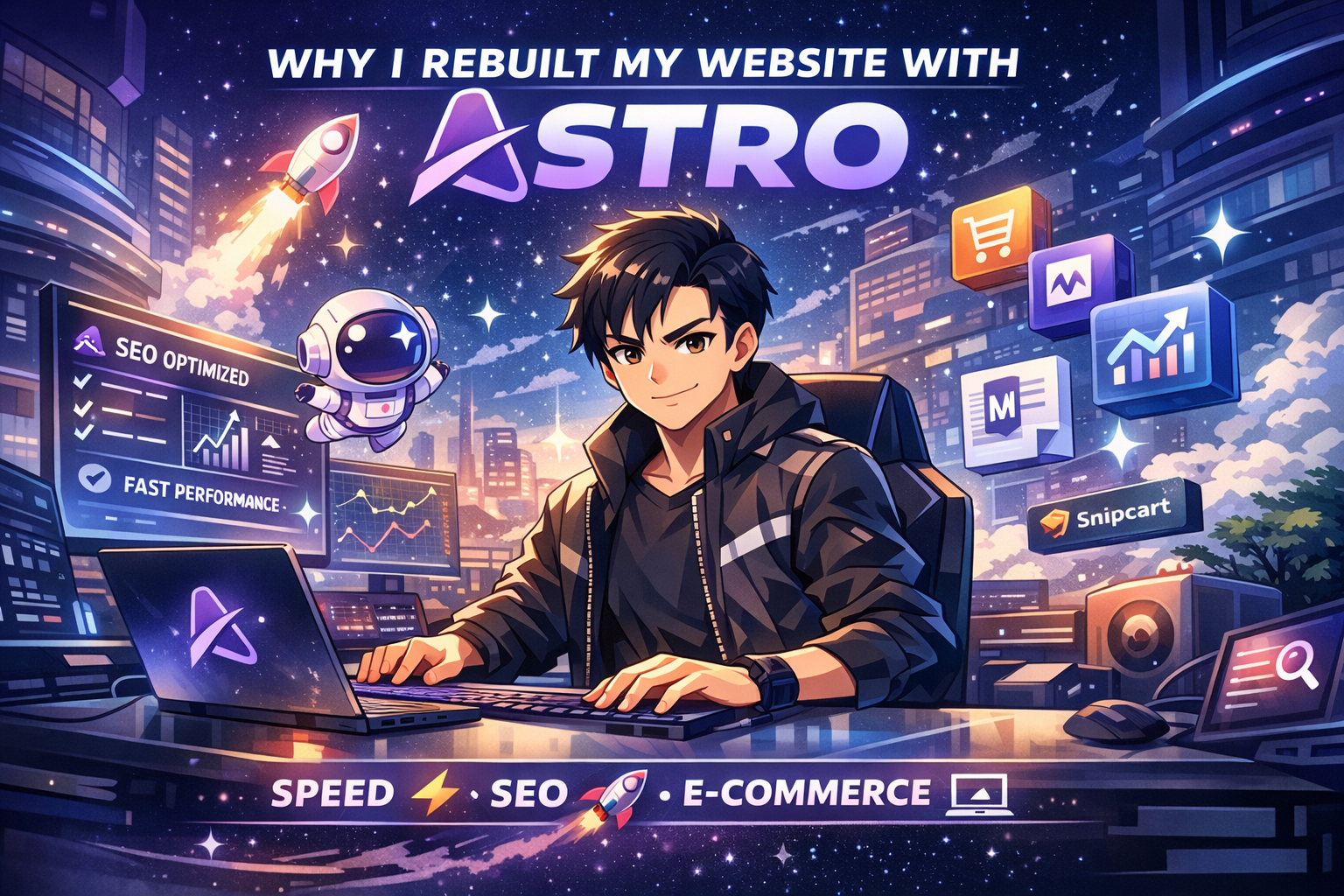
Why I Chose Astro
After years running on WordPress and then a brief stint with a hand-coded HTML site, we made the move to Astro — and we haven’t looked back.
The WordPress Problem
WordPress is powerful, but for a personal/portfolio site, it’s overkill. Plugin bloat, database calls on every page load, constant update fatigue, and SEO limitations all add up. our Lighthouse scores were terrible. Core Web Vitals were suffering.
The Pure HTML Experiment
we tried the other extreme: hand-coded HTML with a shared nav/footer pattern. Fast? Yes. Maintainable? No. Every nav change meant editing 8 files. No reusable layouts. No content collections. It was a maintenance nightmare.
Why Astro Wins
Astro gave me the best of both worlds:
- Zero JavaScript by default — pages are static HTML, blazing fast, perfect Core Web Vitals
- Component model — reusable layouts, nav, footer — edit once, updates everywhere
- Content Collections — Markdown blog posts with typed frontmatter, built-in routing
- Framework-agnostic — we can drop in React/Vue components where we actually need interactivity
@astrojs/sitemap— automatic XML sitemap on every build@astrojs/rss— RSS feed in ~20 lines of code
The Migration Process
- Audited all existing pages (9 total)
- Designed
BaseLayout.astrowith shared header/footer, OG tags, RSS autodiscovery - Converted each HTML page to
.astroformat, preserving all CSS classes - Set up
src/content/blog/with Zod-typed schema - Added blog list (
/blog/) and dynamic post page (/blog/[slug]/) - Configured GitHub Actions CI/CD to build and deploy to Hostinger via FTP
Was It Worth It?
Absolutely. Build time is under 10 seconds. Lighthouse scores are in the 95-100 range across all categories. And now adding a new blog post is as simple as dropping a .md file in src/content/blog/.
If you’re running a personal site, portfolio, or content-focused platform — Astro is the move.
Have questions about the migration? Hit me up or check out the full site on GitHub.
Comments
Loading comments...
Leave a Comment